Tuesday, 30 August 2016

Randy Orton and Brock Lesnar rematch announced for Sept. 24 Live Event in Chicago

The Beast and The Viper are going to war again. Just more than a week after a controversial TKO loss to Brock Lesnar at SummerSlam, Randy Orton confirmed on Twitter that he will receive a rematch against The Conqueror at the WWE Live Event in Chicago, Illinois, Saturday, Sept. 24.

The match at SummerSlam was arguably Lesnar’s most savage performance since returning to WWE in 2012, and one of the most agonizing defeats for The Apex Predator in some time. The Beast laid into Orton with a barrage of strikes that busted him open and forced WWE officials to call the match off, awarding the victory to Lesnar.

Orton received 10 staples as a result of Lesnar’s assault, and The Beast was fined by Raw Commissioner Stephanie McMahon for his actions. Hopefully, Lesnar has his checkbook ready for “The Rematch.” Come to think of it, Orton might want to set a few dollars aside, too. He does not take well to being upstaged, and it’s just as likely that The Beast ends up on the receiving end of some ruthless aggression this time around.

Monday, 22 August 2016

How to get Android 7.0 Nougat on your Nexus right now

How do I get Android 7.0 Nougat on your Nexus phone right now?


Android 7.0 Nougat is officially available for the Nexus 6, Nexus 5X, Nexus 6P, Nexus 9, Nexus Player and Pixel C (and the General Mobile 4G Android One), but your phone may not get the OTA (over-the-air) update for another couple of weeks. If you don't have a Nexus, you can get a feel for when (or if) your phone will get Nougat based on our expectations.

If you know your way around a command line, you can skip the waiting game by downloading the factory image for your particular device and flashing it on top of your software. But there are some caveats you need to know about when flashing a factory image, so read on to find out what you need to know.

How to get Nougat through the Android Beta programme

Another way to get Android 7.0 Nougat right now is by opting into the Android Beta programme, which has been extended beyond the initial release of Nougat.

Any Nexus device eligible for the receiving Nougat can also opt into the Beta programme — Nexus 6P, Nexus 5X, Nexus 6, Nexus 9, Nexus Player, Pixel C — any continue receiving updates past the stable version. That is because Google has announced that it will continue offering preview versions of Nougat as it prepares the first of its Maintenance Releases, which is expected later this fall.

Devices that are currently enrolled in the Beta programme are the first to receive the stable version of Android 7.0, and the opt-in process is fairly easy.

Head to Android Beta programme portal on your Nexus phone or Pixel C tablet.

Sign into the Google account associated with that phone.

Scroll down to Your eligible devices.

Find the device you want to enrol in the Beta programme and tap Enrol device.

Follow the prompts to accept the over-the-air download.


How to get Nougat by flashing a factory image


Get the right tools to flash a factory image

Note: This portion is performed on your computer.

The first thing you need to know about flashing a factory image on top of your Nexus phone is that you need to have a portion of Android SDK installed on your computer. Specifically, you need adb and fastboot, which you can download from the Android Studio portal.

Go to Android Studio webpage

Scroll to the bottom of the page.

Find command line tools for your platform — Windows, Mac, or Linux.

Extract the accompanying file (.exe, .zip, .tgz)

The next thing you need to do after downloading the command line tools is to make sure that your phone is ready for flashing. This is a two-step process: you need to enable USB Debugging; and you need to unlock your bootloader. If you have already unlocked your bootloader, you can skip to flashing.

Enable developer settings and USB debugging


Note: This portion is performed on your device.

Go to your Nexus' Settings.

Scroll down to About Phone/Tablet.

Tap on the Build number seven times until the dialog box says you are now a developer.

Open Settings and you should find a new option called Developer options.

Click into the Developer options.

Make sure that the developer options are turned on and that USB debugging is checked on.

Check Enable OEM unlock.

Plug your Nexus device into your computer.

Tap OK on the dialog box asking you to Allow USB debugging while connected to the computer.

If done correctly, this will be everything you will need to do on your phone or tablet for the moment. 
After this, you need to unlock your phone's bootloader.

Unlocking your bootloader


Note: This portion is performed on your device and computer .

Unlocking your bootloader is relatively simple, but you must know one thing: Your phone will factory reset, and you will lose all of your apps and personal data stored on the phone. Make sure that you back up your device before this process.

Turn off your phone or tablet.

Hold down the power button and the volume down button.

On your computer, open Command Prompt (Windows) or Terminal (Mac). Navigate to folder with Platform tools.

On your computer, type: ./fastboot flashing unlock in a terminal or command prompt.

Press volume up button and the power button on your device to confirm bootloader unlock.

On your computer, type: ./fastboot reboot

Now your bootloader is unlocked and ready to flash the Android 7.0 factory image for your device.


Flashing the Android 7.0 factory image


Note: The Android 7.0 factory images are not yet available, but these steps will apply when they go live. This portion is performed on your computer.


Scroll down to your phone and find the Android 7.0 image for your phone.

Once downloaded, extract the file in your Platform tools folder.

Put your phone into bootloader mode (see above) and plug it into your computer.

Open Command Prompt (Windows) or Terminal (Mac). Navigate to folder with Platform tools.

On the command line, type:./adb devices to ensure your phone is seen by your computer.

Type the flash-all command. 

On Windows, that will be flash-all.bat 

On Mac, that will be flash-all.sh


Learning about Nougat


Once you flash the Android 7.0 Nougat factory image onto your Nexus phone, you should reboot into the operating system. Depending on whether you unlocked your bootloader (and wiped your phone in the process), or kept your data intact by flashing the images manually, Nougat should look considerably different to Marshmallow. Now you have to learn what's new in Nougat.

Source : AndroidCentral

download harry potter books in hindi pdf

Here you can find harry potter hindi pdf shared files, Just click on  file title and download

harry potter and the sorcerer's stone

( harry potter aur paras pathar )


harry potter and the chamber of secrets

(harry potter aur rahasyamayi tahkhana )


Harry Potter and the Prisoner of Azkaban

( harry potter aur azkaban ka qaidi )


Harry Potter and the Goblet of Fire 

(harry potter aur aag ka pyala )


Harry Potter and the Order of the Phoenix

( Harry Potter Aur Phoenix Ki Fauz )


Harry Potter and the Half-Blood Prince

(harry potter aur sautela rajkumar)


(Harry Potter Aur Maut ke Tohfe )


Enjoy all harry potter books in hindi pdf

Say Thank You by Subscribe my New Youtube Channel click here

Friday, 19 August 2016

Here's what's in the Windows 10 PC and Mobile cumulative build 14393.82 for Insiders

Microsoft released the full change log of what was included in the latest Windows 10 cumulative build 14393.82 update that was released earlier this week to Insiders in the Release Preview ring.

The long change log was posted on the Feedback Hub (via Microsoft's Brandon LeBlanc) and is reproduced below:

Improved reliability of Network Controller, DNS server, gateways, Storage Spaces Direct, Group Managed Service Accounts, remote procedure calls (RPC), PowerShell, Internet Explorer, printer pairing and interoperability, the Windows kernel, Media Core, the Store, Connected Standby, Cluster Health service, the Hypervisor debugger and platform, and Active Directory.

Improved performance for Storage Spaces Direct (S2D) with many nodes or disks, scrolling lists on Xbox, DHCP address acquisition, Active Directory queries, and the Cluster Health service.

Addressed issue that prevents external media from playing on Xbox One using the Cast to Device menu.

Addressed issue that causes the Mouse events to be not recognized sometimes in Internet Explorer.

Addressed issue that slows the rendering and resizing of nested tables in Internet Explorer.

Addressed issue that was not causing the UI layout to be updated correctly in Internet Explorer 11 quirks mode.

Addressed issue that was causing nodes to be disconnected from a Cluster service intermittently.

Addressed issue with the 3G and 4G options not shown correctly in Windows 10 Mobile settings.

Addressed additional issues with MDM enrollment for an Azure Active Directory tenant, software compatibility, poor rendering of Yu Gothic font family, Cortana, slow connections to cluster shares, Xbox One cannot launch the Netflix app using the DIAL protocol, Xbox sound volume and music playback, all video stops while audio plays in a Movies & TV app, incorrect scaling of Internet Explorer's first-run dialog, driver setup, Windows Update for Business, apps failing to install after resetting device, boot failure with Hyper-V and BitLocker enabled, Cache Manager, Cluster Health service, cannot alter roles and features on a locked down machine, disk-to-enclosure mappings not working, PowerShell, missing lock screen image, fitness tracker not recognized as a mass storage device, synchronization not working between Intune and Azure Active Directory (AAD), failed Wi-Fi Skype calls, poor streaming playback using progressive download, failed cancellation of Store download, extensions for Microsoft Edge, incorrect Lock screen UI after resuming from hibernate and sleep and blocked installation of Store game bundles.

Late on Thursday night, Microsoft re-released the same update for Windows 10 PC Insider owners with an additional fix. People who had downloaded the previous 14393.82 build did not receive this new version.

Source : WindowsCentral

Thursday, 18 August 2016

Android 7.0 Nougat likely releasing Aug 22

Both LG and Canada's Telus suggest same date for final Nougat code drop.


Nexus owners: Get ready for some Nougat. It's looking highly likely that the next version of Android will go official next Monday, August 22. That's the date given for the Android 7.0 update on Nexus 5X and 6P by Canadian operator Telus in its latest software update schedule.
Telus was accurate with its launch date for last year's Marshmallow update on Nexus devices.

Adding further fuel to that particular fire is LG's limited preview program for Korean G5s, which just happens to start on the same day -- August 22. Like all major phone makers, LG gets the final code in advance from Google, but the firm wouldn't be allowed start its preview ahead of the official Nougat launch day.

If everything goes as expected, we should see an announcement from Google, followed by system images next Monday morning (Pacific time), followed by the usual over-the-air push. (It's possible, but not guaranteed, that Android Wear 2.0 will also land around the same time.)

As for new Nexus devices, we're not expecting them until sometime after the arrival of the LG V20, which will be the first phone shipping with Nougat.

Source : AndroidCentral

Microsoft re-releases Windows 10 build 14393.82 for PC Insiders with additional fix

Microsoft has just re-released a cumulative update that dropped two days ago with an additional fix that mends a problem with download sizes. According to Senior Program Manager Brandon LeBlanc, those who installed the cumulative update when it was originally released will not get this fix.


The new update is KB3176934, which is different from the Cumulative Update that was released the other day KB3176932. Both updates bring the user to 14393.82, however the newest update includes an additional fix not found in the originally released update.


Those of you who installed the original update and want the new fix will likely have to wait for a newer Cumulative Update to roll around, as it appears this update will not be applied to those already running 14393.82. This newest update is now available in the Release Preview and Slow Ring on PC, and the changelog will show up in the Feedback Hub soon.


Friday, 12 August 2016

Best action games for Android

Get your blood pumping with these action-packed games for Android
The action game genre is such broad category, so we had to make sure that this list covered as many bases as possible. Whether you like first- or third-person shooters, fighting games, hack n' slash, or old school top-down shooters, you should find your new favorite game here.
Expect this list to be updated as new games are released, or hidden gems are discovered. And if you think we've made an egregious error by not including your favourite game, let us know in the comments!

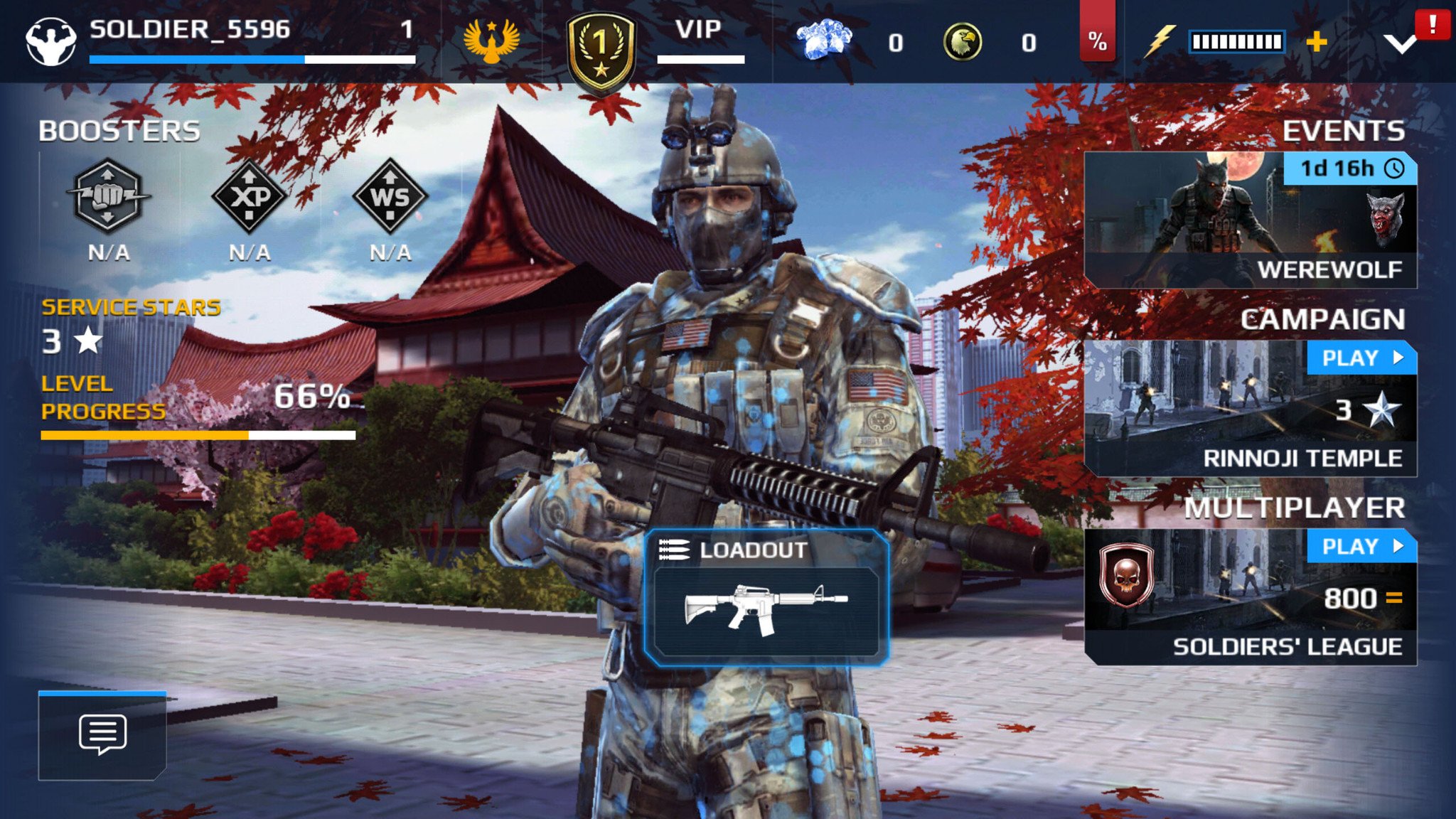
Modern Combat 5: Blackout

Modern Combat 5: BlackoutModern Combat 5: Blackout
Modern Combat is the premier first-person shooter franchise for mobile gaming and for good reason. The latest entry, Modern Combat 5: Blackout, features some of the finest graphics you'll find for any game on Android.
There's a six-chapter single-player campaign to play through, with a decent amount of gameplay variety — from urban shootouts, to gunship segments, to underwater sneaking. If you're more interested in multiplayer, Modern Combat has got you covered there as well. There's five multiplayer modes to choose from: Free For All, VIP, Squad Battle, Capture the Flag, Zone Control and Team Battle.
What's the difference between Squad Battle and Team Battle? Squads are a new feature in Modern Combat, and they operate the same way as clans do in other FPS games, so Squad Battles are ranked matches between you and your squadmates and other Modern Combat squads. Team Battles is just another name for the team deathmatches you're already quite familiar with.
If touchscreen controls for mobile FPS give you fits, you'll be happy to know that Modern Combat features Bluetooth controller support. For the best FPS experience on Android, look no further than Modern Combat 5: Blackout.

Injustice: Gods Among Us

Injustice: Gods Among UsInjustice: Gods Among Us
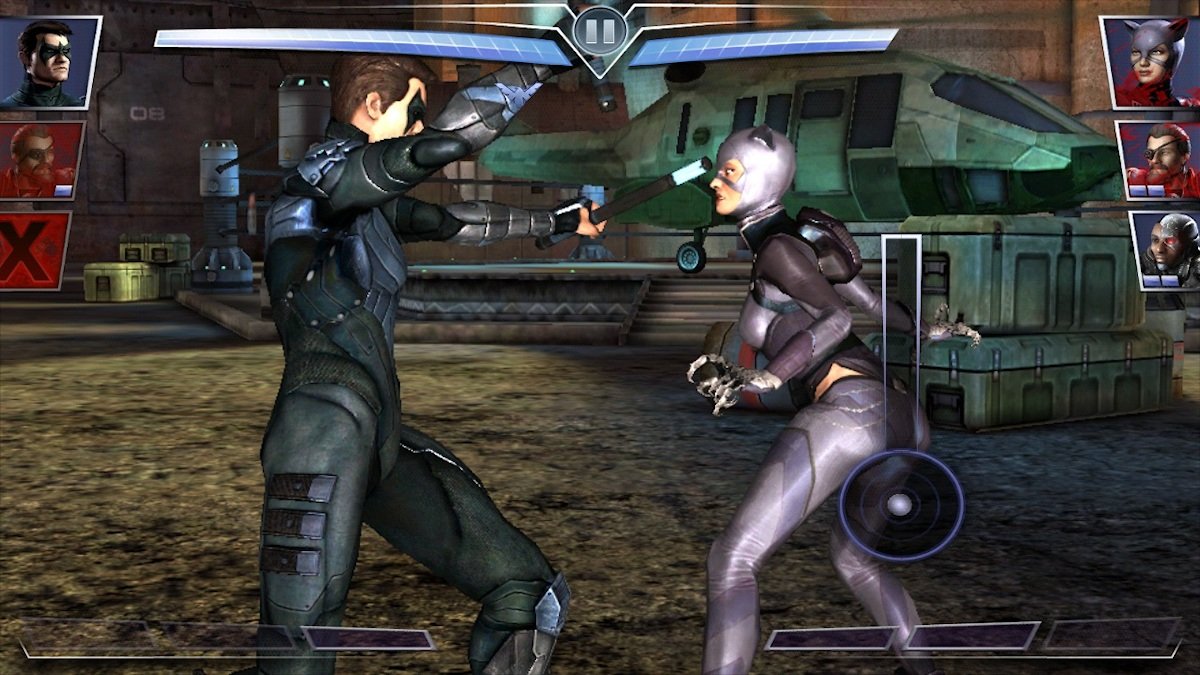
Fans of DC Comics are sure to get a kick out of Injustice: Gods Among Us. It's a free-to-play fighting game that features all your favorite heroes and villains from the DC Comics universe.
It's a port of the console game for PS4 and Xbox, so if you come into this game having played those versions and expect the exact same experience you're going to be disappointed. For the rest of us just looking for a fun fighting game with familiar characters, Injustice delivers. You build out a team of three fighters and use the mobile-friendly control scheme to tap and swipe your way to victory. The graphics are superb and while there's much less freedom than in traditional fighting games, it's still an action-packed experience.
Plus, the latest update has added updated characters from the latest Suicide Squad movie, so if you're a fan of that movie you now have an extra reason to get this game. Just make sure you've got plenty of space on your phone, because the install file is huge.

Grand Theft Auto

GTA 3GTA: Chinatown Wars
If you're a console or PC fan of the Grand Theft Auto franchise, then why not extend your fandom to Android?
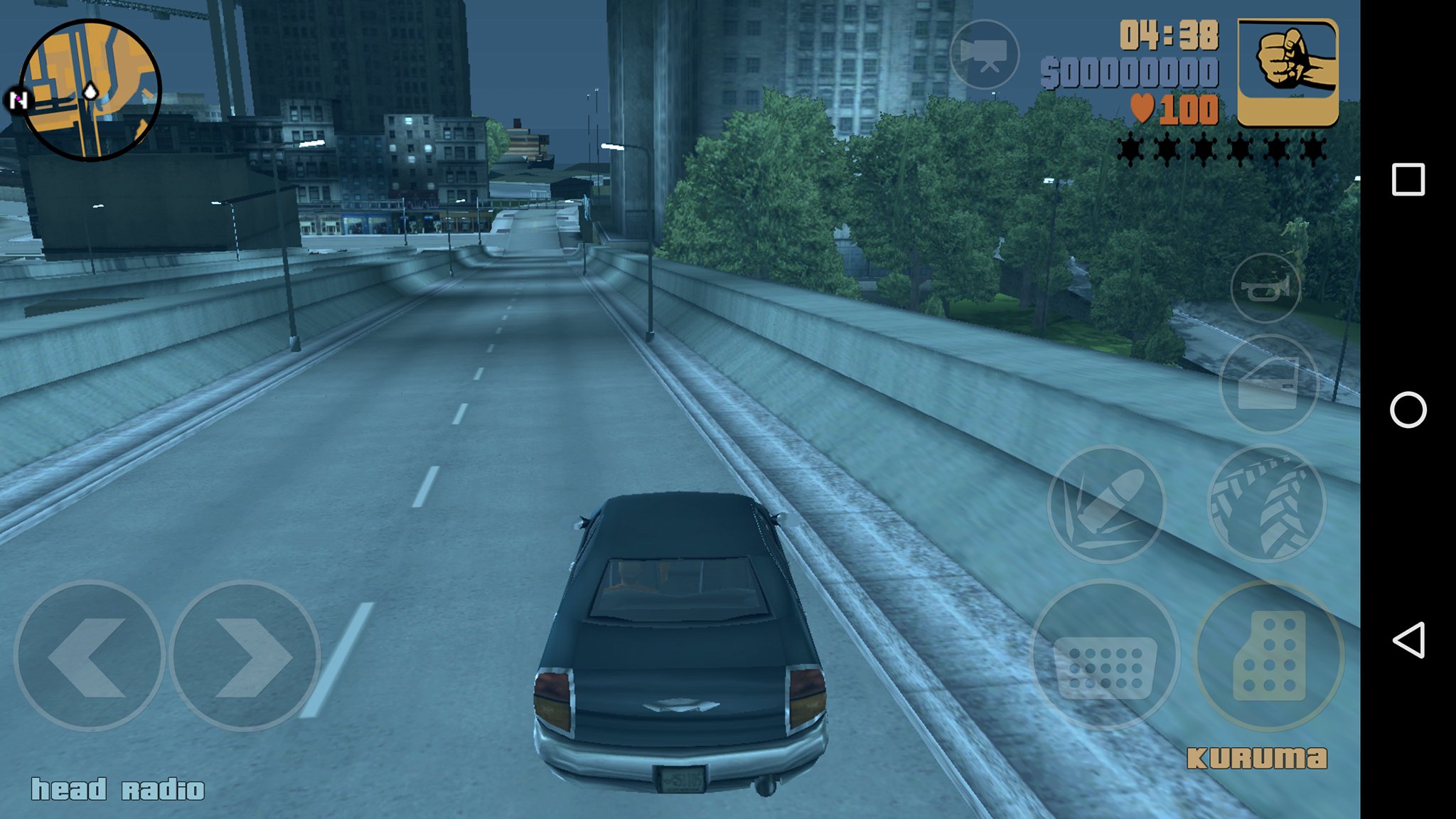
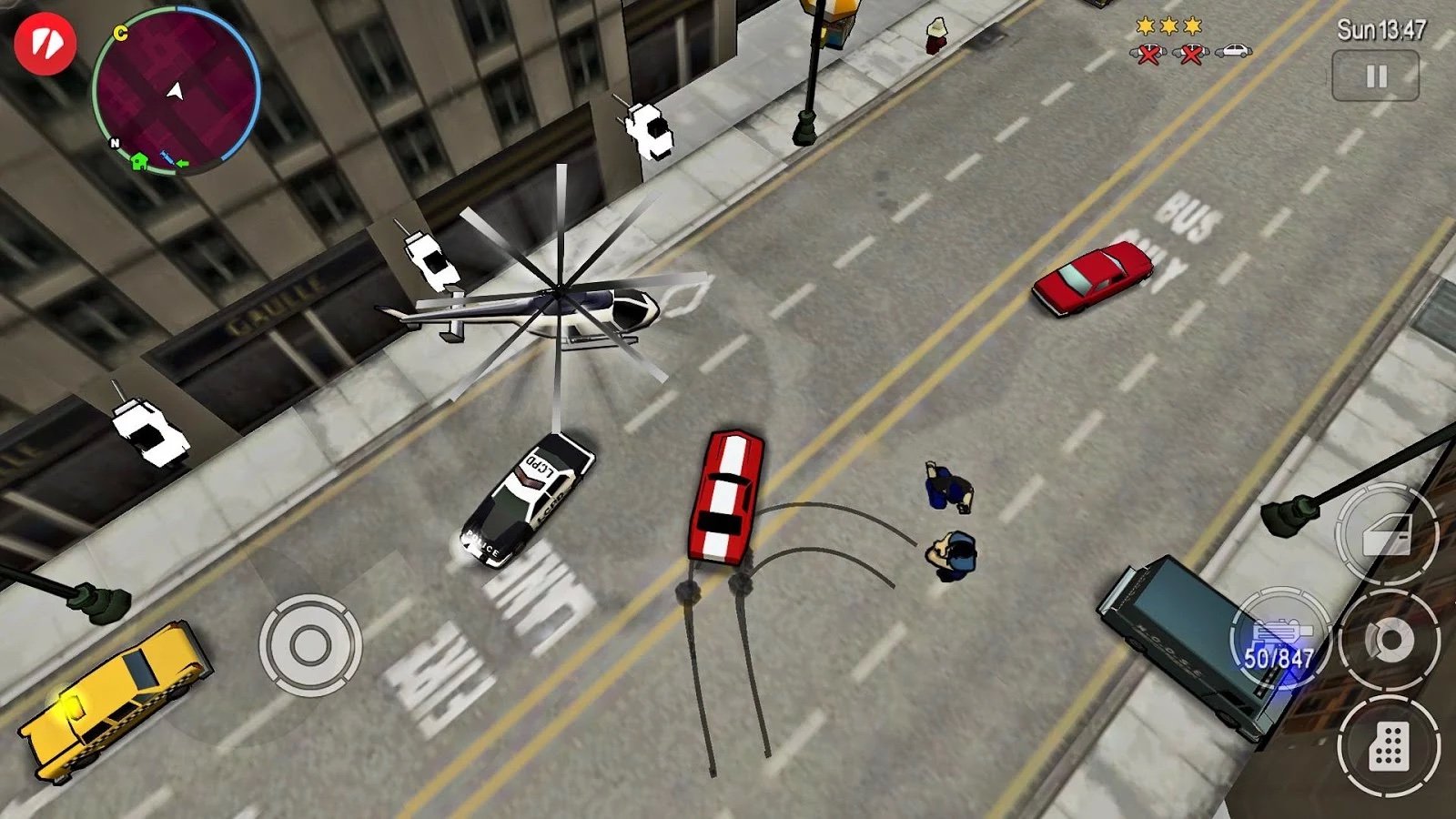
Rockstar Games has five great GTA titles for you to choose from and you really can't go wrong with any of them. Play through Liberty City StoriesSan AndreasVice CityGTA III, and Chinatown Warsand get your shoot-'em-up, blow-'em-up, car-stealing fix on mobile!
Chinatown is your classic top-down GTA, while the other three are the third-person-shooters we've all come to love. On that note, these games are NOT for kids. The Mature rating in the Google Play Store isn't lying.
So, if you want full Grand Theft Auto games right on your phone, hit up the Google Play Store and go to town. Just remember that, since these are the full games you now and love, they will occupy a ton of space on your device.

JoyJoy

JoyJoyJoyJoy
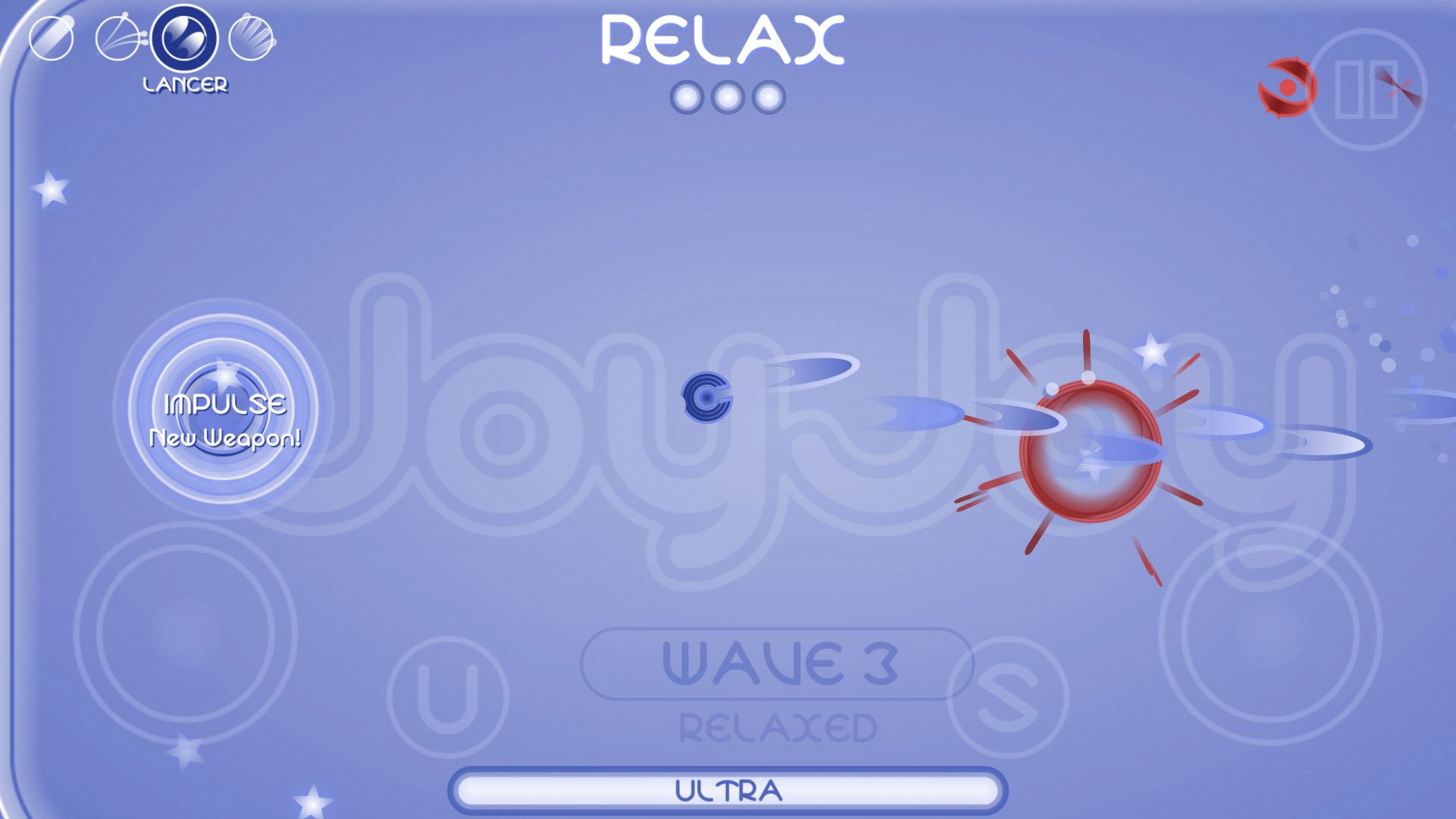
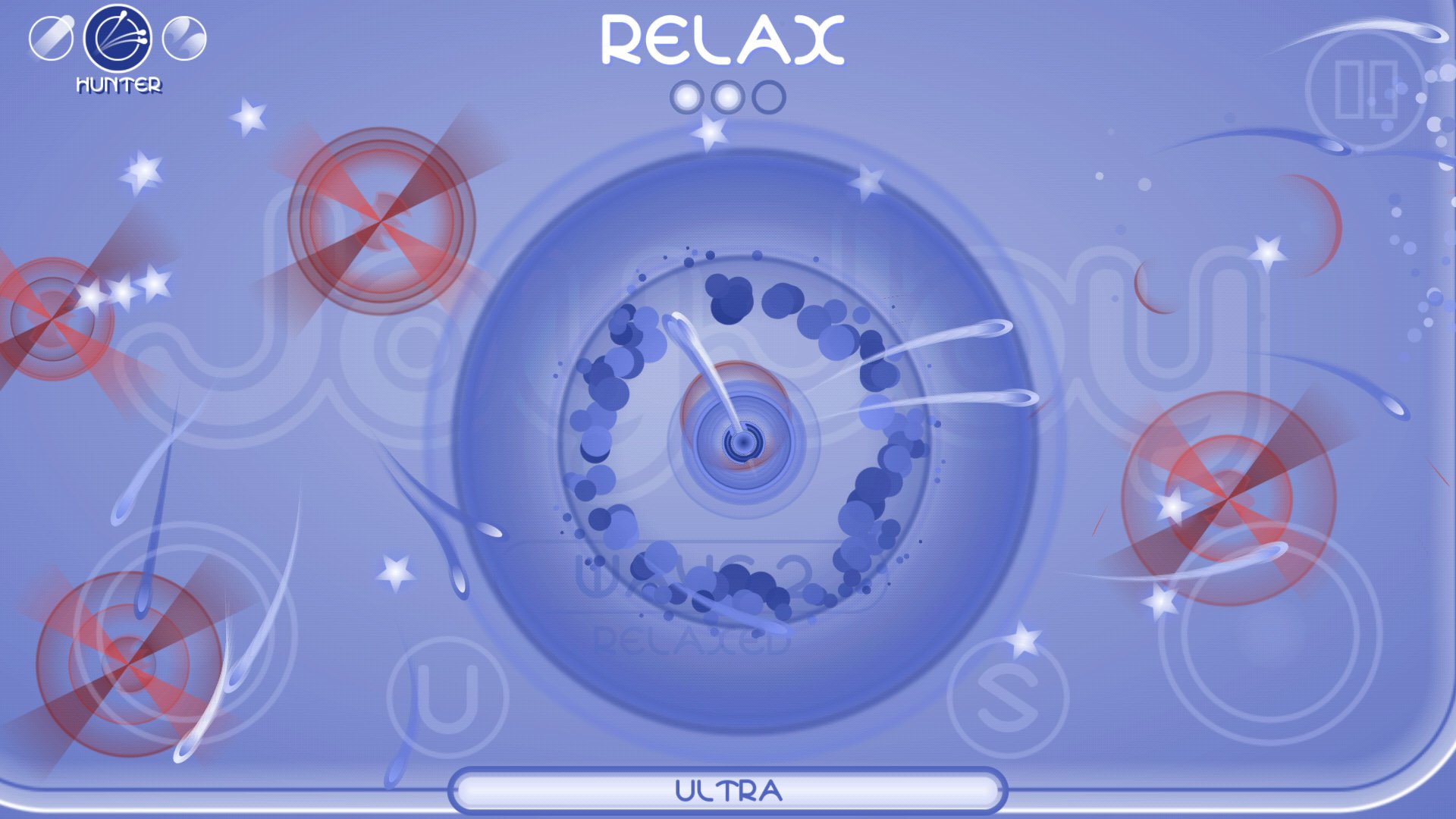
There's something so simple and fun about a well-made old school shooter. When Geometry Wars went from an Xbox mini-game to a stand-alone cult classic hit in 2003, it gave new life to the genre. Ever since, then there's been a slew of knock-offs and imitators attempting to replicate the same frantic action. But JoyJoy emerges as perhaps the best we've found for Android.
JoyJoy does a great job of bringing that crazy action to your mobile phone, with simple controls, multiple upgradeable weapons, and the best difficulty settings I've ever seen in a game. It starts at Relaxed mode, which is perfect for beginners or when you want to sit back and mow down waves of enemies. From there, it ramps up significantly, with expert-level modes like Lightning, which makes the enemies faster yet weaker, or Armoured, which makes the enemies very tough but less numerous.
With its frantic gameplay, deep weapon upgrading system, and challenging difficulty scaling, JoyJoy is an absolute must-play.

Pixel Gun 3D

Pixel Gun 3DPixel Gun 3D
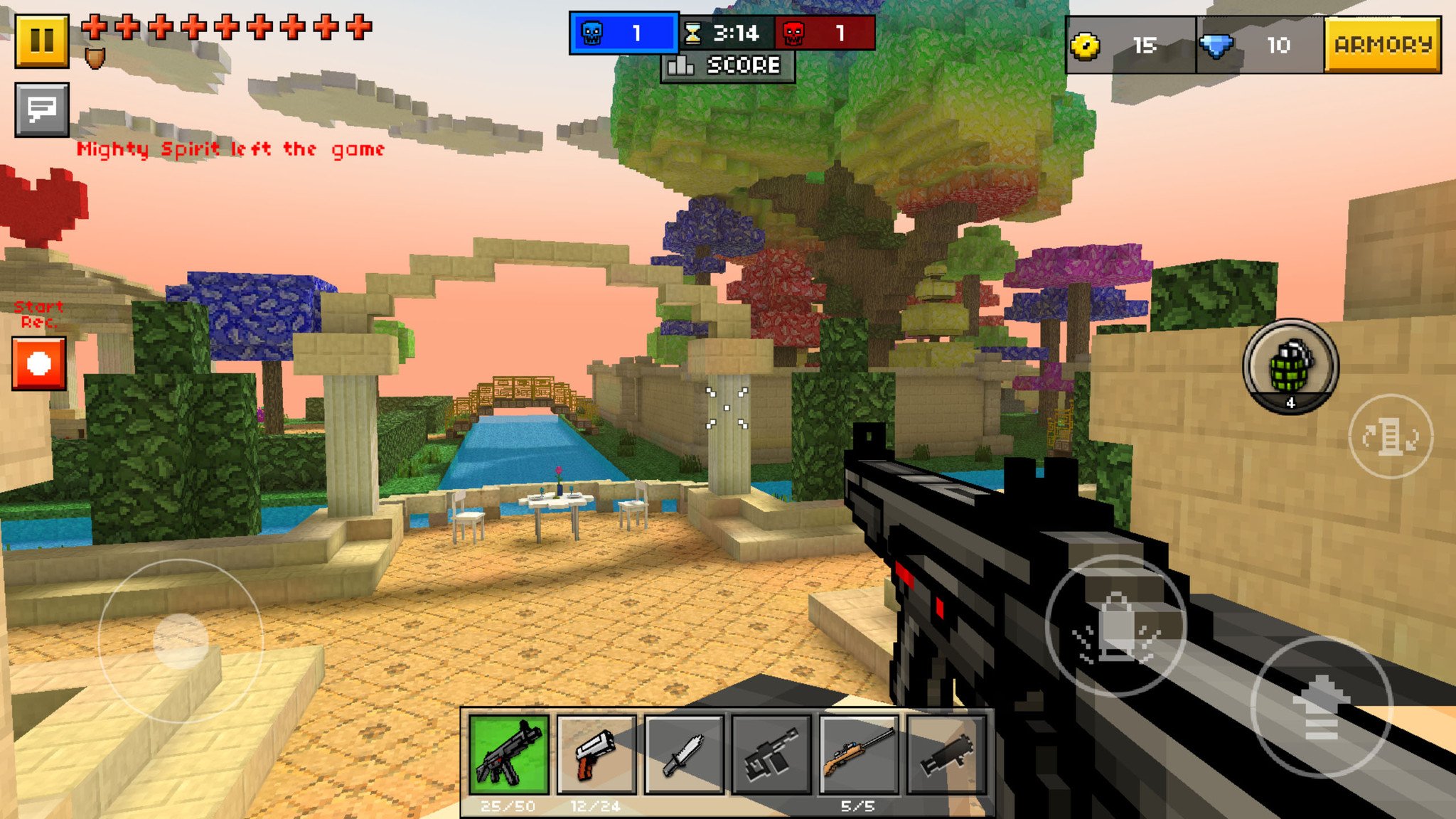
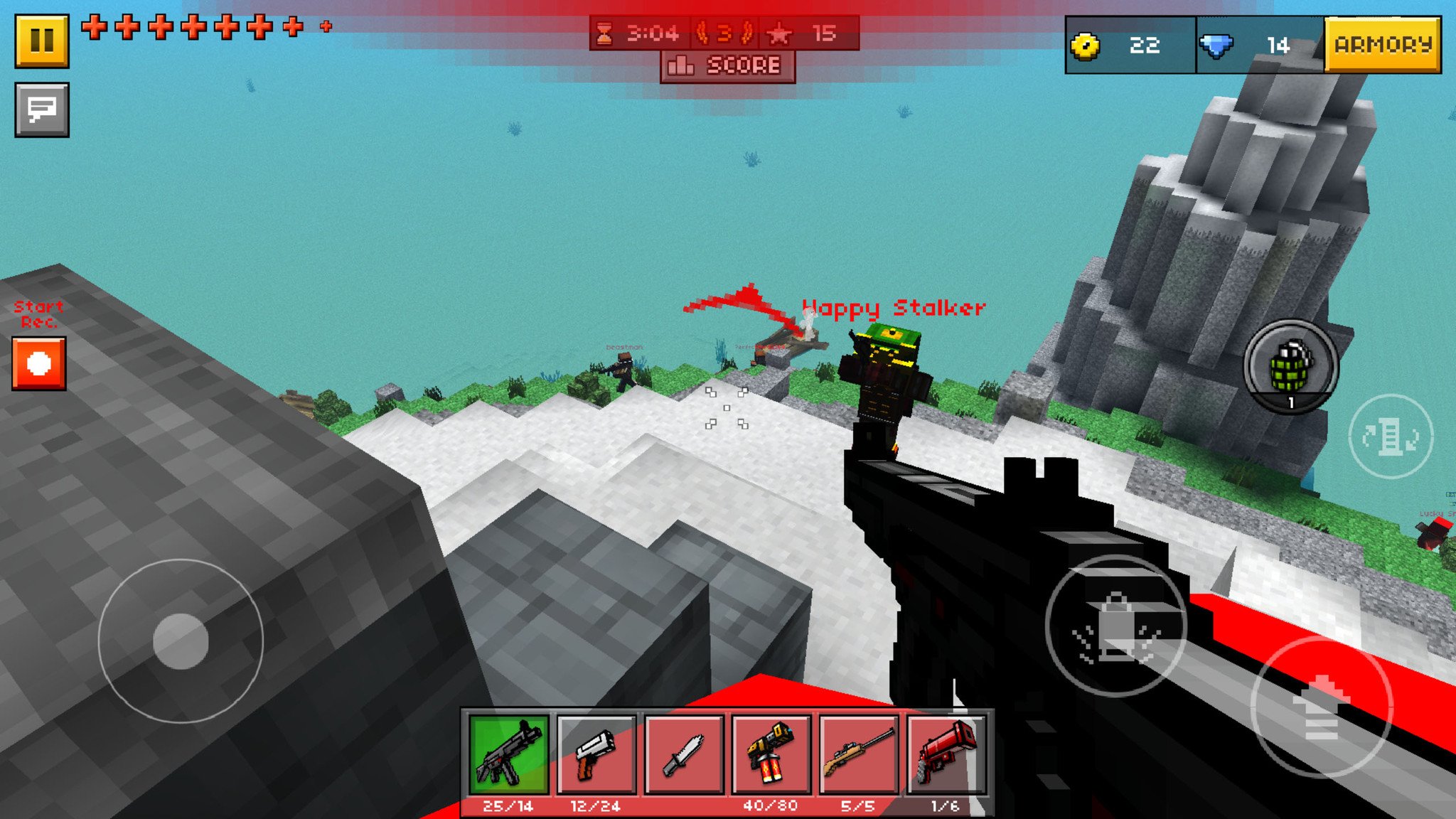
First-person shooters are tricky to adapt to mobile platforms, and fraught with compromises. If the graphics look good, the controls are crap. If it controls like a dream, the gameplay is short and boring.
Pixel Gun 3D is one of those rare games that will hook you in with its stylized visuals, frantic gameplay and decent controls. It's got a moderately challenging single player campaign that will help you learn the ropes of playing the game, but the real game takes place in the multiplayer arena. Pixel Gun 3D offers deep customization for your avatar, and a plethora of weapons to choose from. You start out with team death match and must level up to unlock other multiplayer modes, but it is so worth it.
Perhaps the coolest multiplayer map is the 'Deadly Games', which you unlock at level four — a Hunger Games inspired mode where everyone starts unarmed in the middle of the map with one weapon straight ahead of them. Once you collect your weapon, it's fight or flight based on what you get. Super intense!
The developers have added in-app currency systems for buying new weapons and upgrades which might make things tough when you're just starting out. If you don't get disheartened by that, Pixel Gun 3D is one of the best gaming experiences on Android.

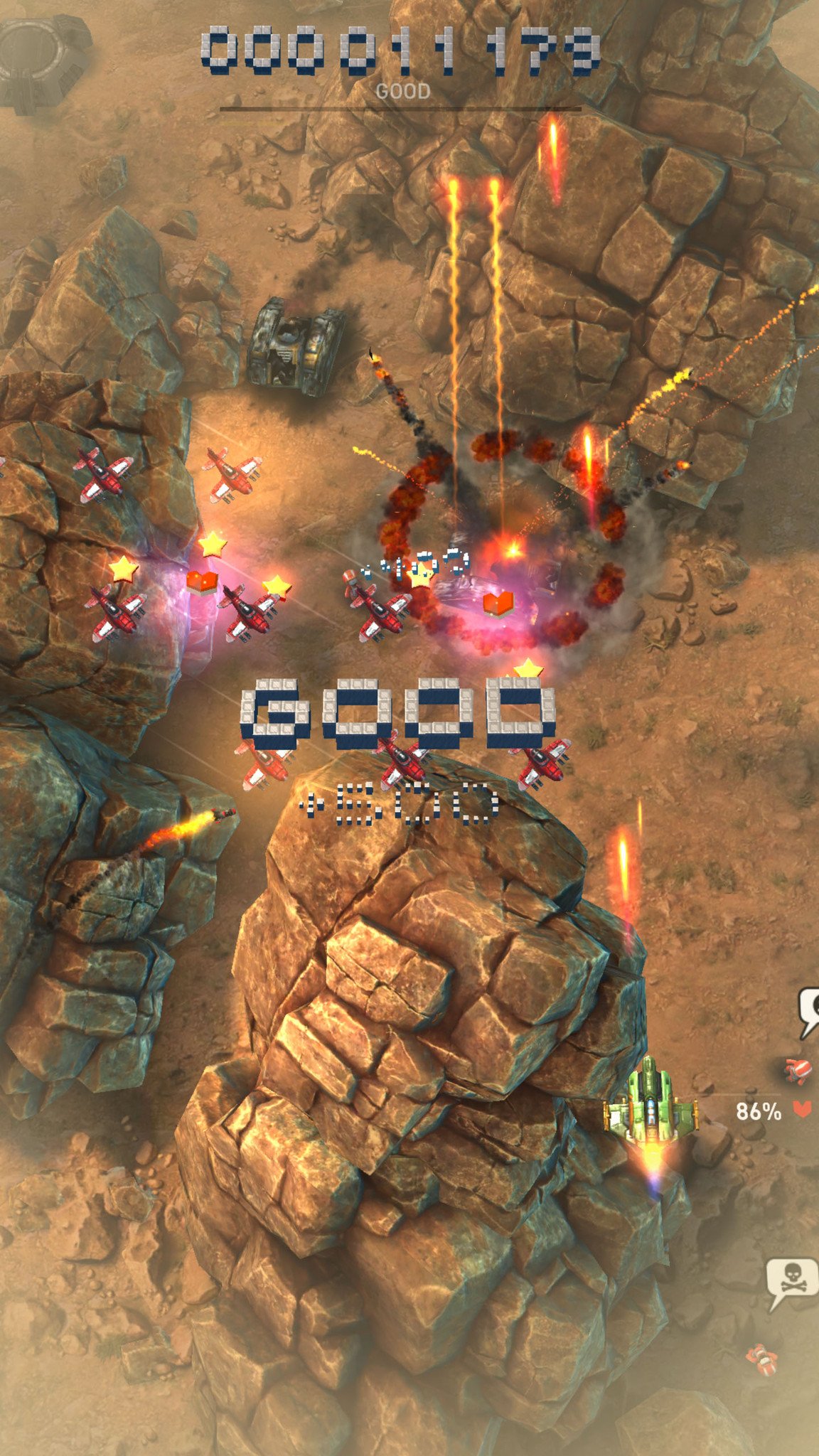
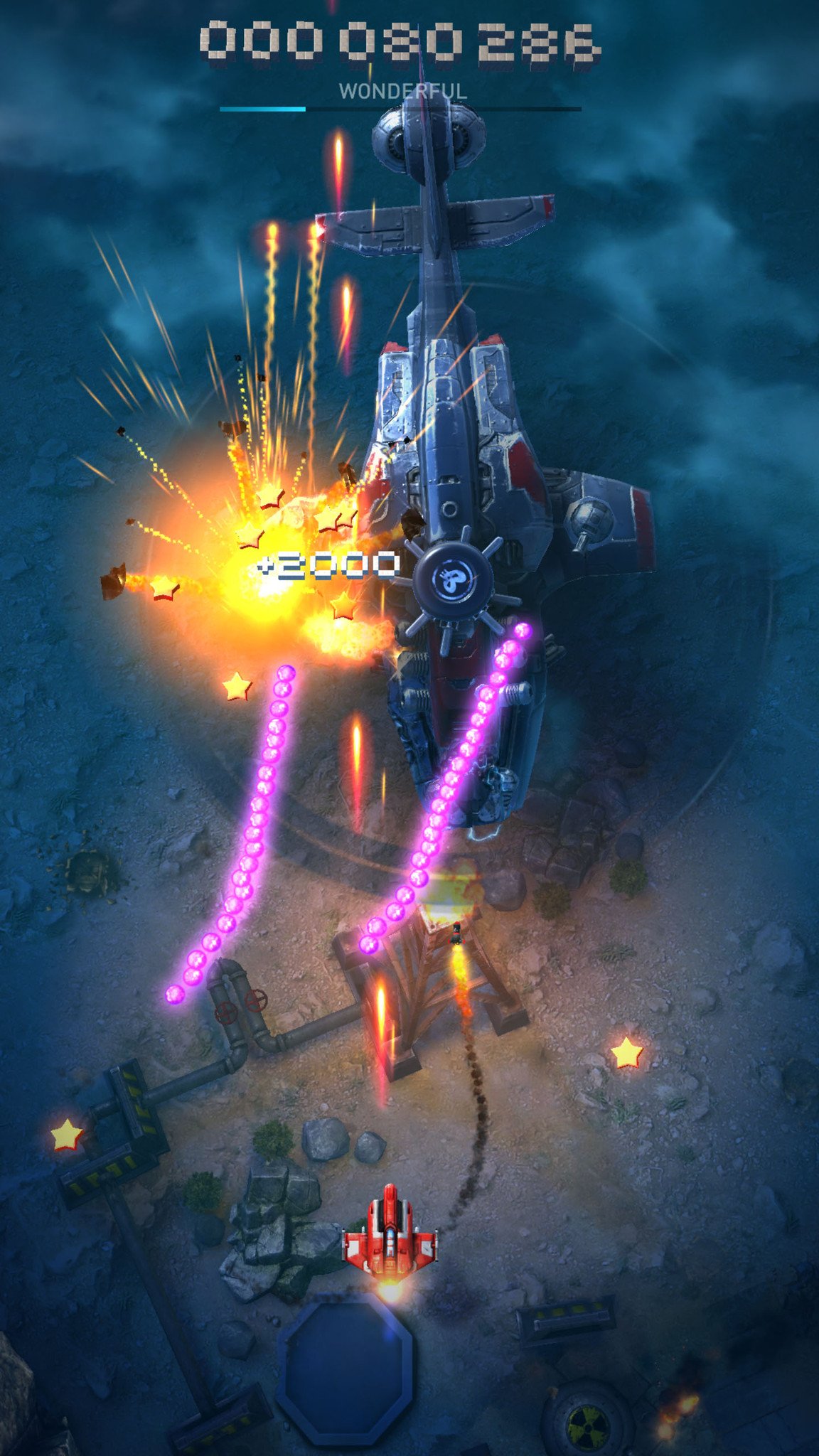
Sky Force Reloaded

Sky Force ReloadedSky Force ReloadedSky Force Reloaded
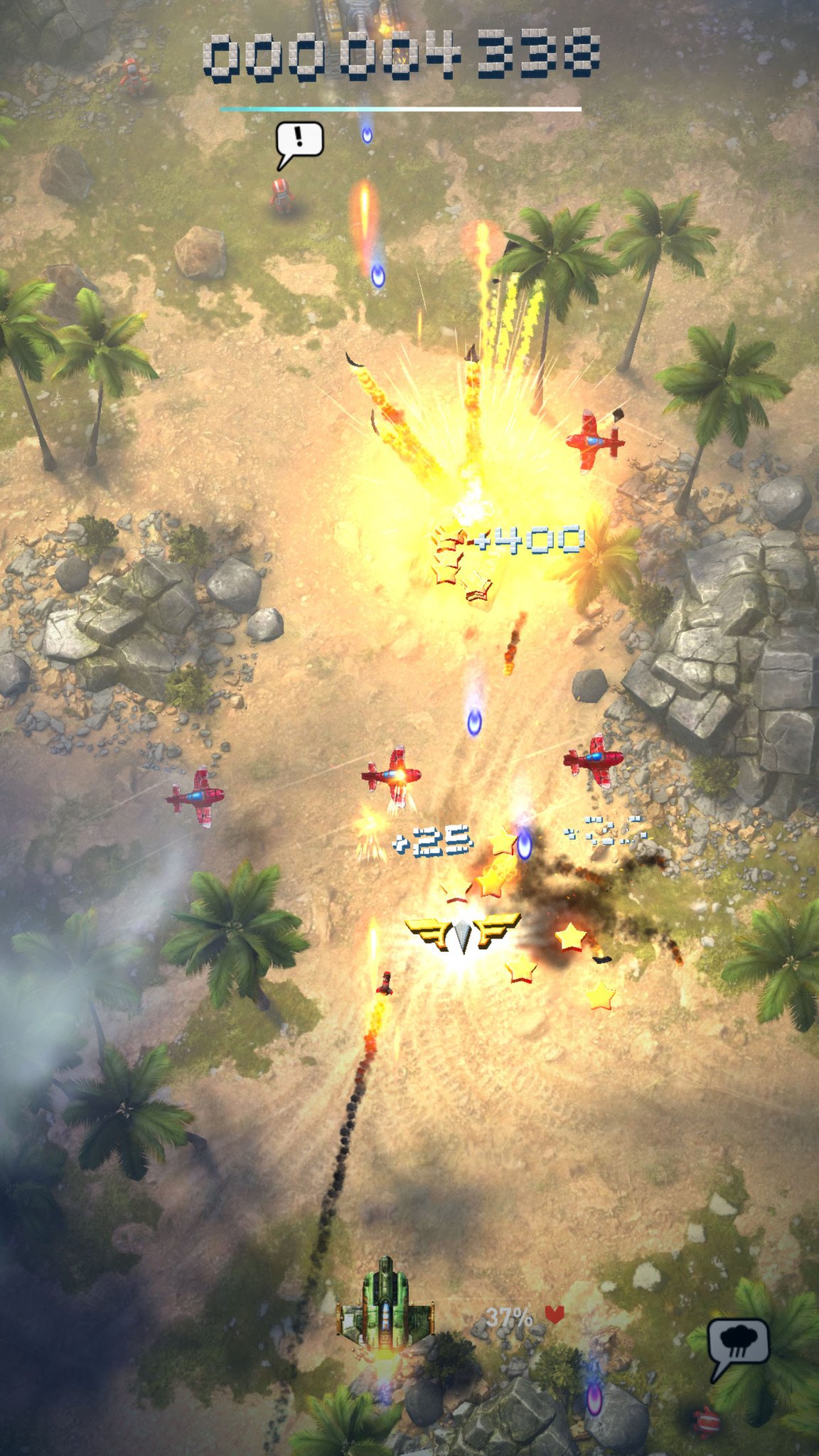
Sky Force Reloaded is, simply, one of the finest games on Android. Featuring frantic gameplay, dazzling graphics, and a deep upgrade system it will have you coming back and playing for hours on end.
The story picks up after the events of Sky Force 2014 with General Mantis' daughter picking up the cause of her fallen father. Most stages feature an epic boss battle with her in a massive warship, but first you have to shoot and navigate your way through intense waves of laser-blasting tanks, turrets, and helicopters. New missions are unlocked by collecting medals, which are earned by saving all the humans, destroying all enemies, and staying untouched through a mission.
Once you've collected all four medals, you unlock a harder difficulty — first Hard, then Insane, and finally Nightmare mode — with a new set of medals to collect. This leads to some grinding to collect stars and medals before you can unlock the next mission, but it hardly feels like a chore given how challenging and fun this game is to play.

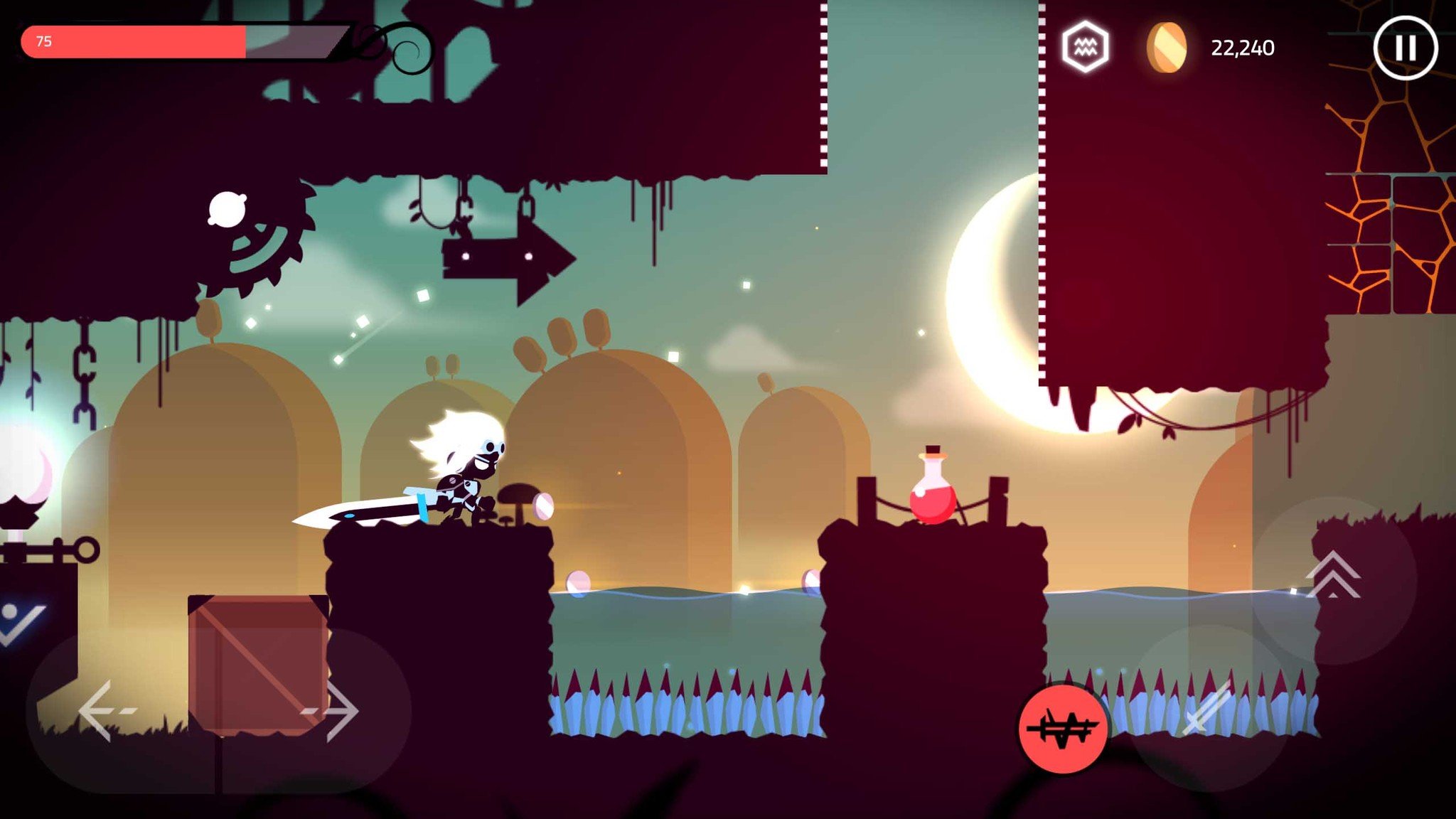
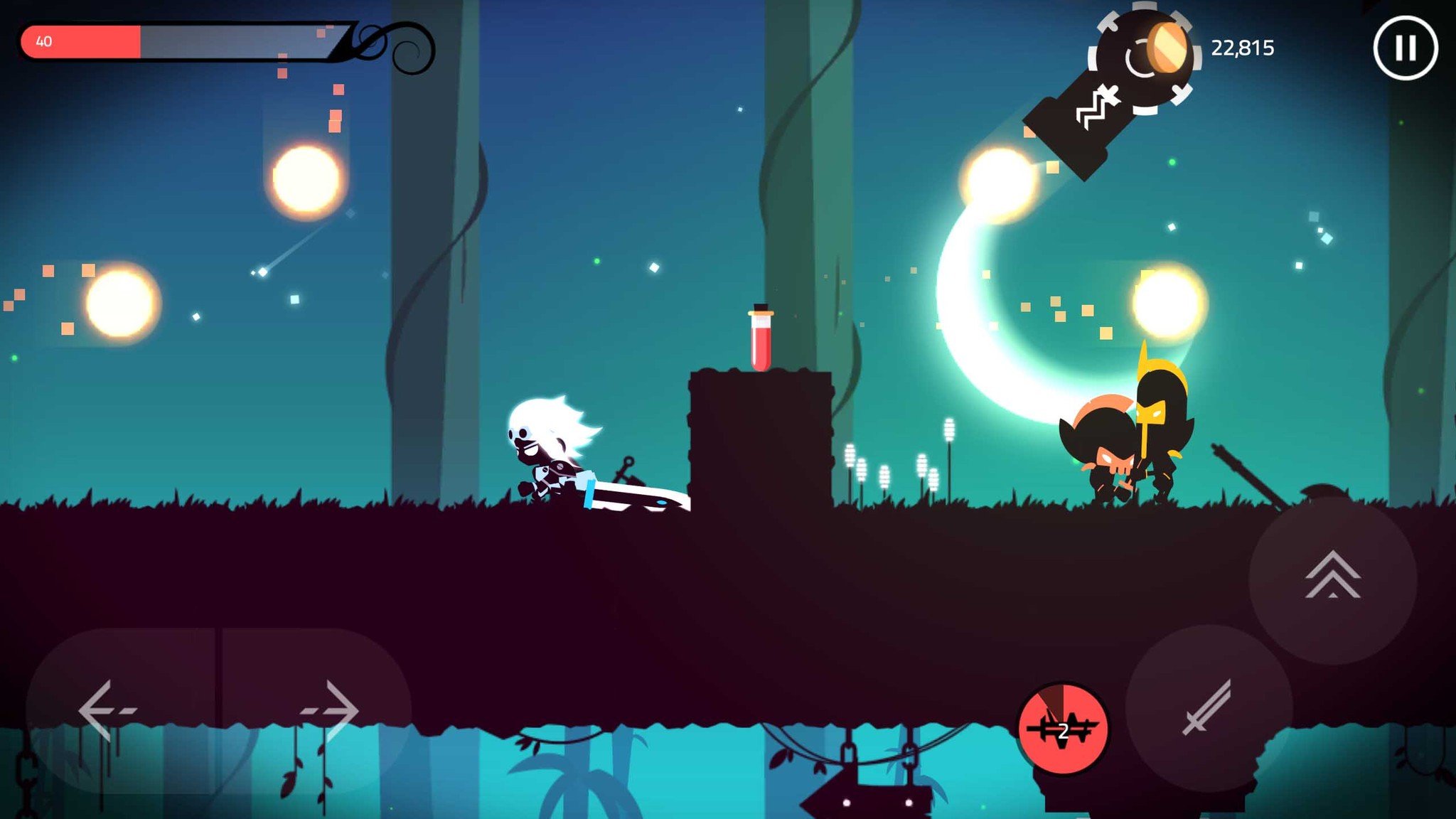
Star Knight

Star KnightStar Knight
Star Knight made our list for best games of 2016, so of course it's one of the best action games as well. It's a challenging action platformer with plenty of things to unlock and upgrade as you make your way through its multiple worlds.
And it's got very nice good learning curve, too. While you're able to upgrade your weapons and unlock powerful skills to help you on your way, the enemies get tougher and tougher as you progress. In terms of difficulty, it sometimes feels like a 2D side-scrolling version of Dark Souls. There are some parts where one false step means instant death, and each world ends with a seriously tough boss battle.
But instead of being frustrating and discouraging, it only spurs you to play smarter on your next go. With good controls, beautiful imagery, hours of gameplay, and a low entry price, Star Knight is a game you shouldn't sleep on.

Alto's Adventure

Alto's AdventureAlto's Adventure
Beautiful visuals, intuitive controls, and endless playability.
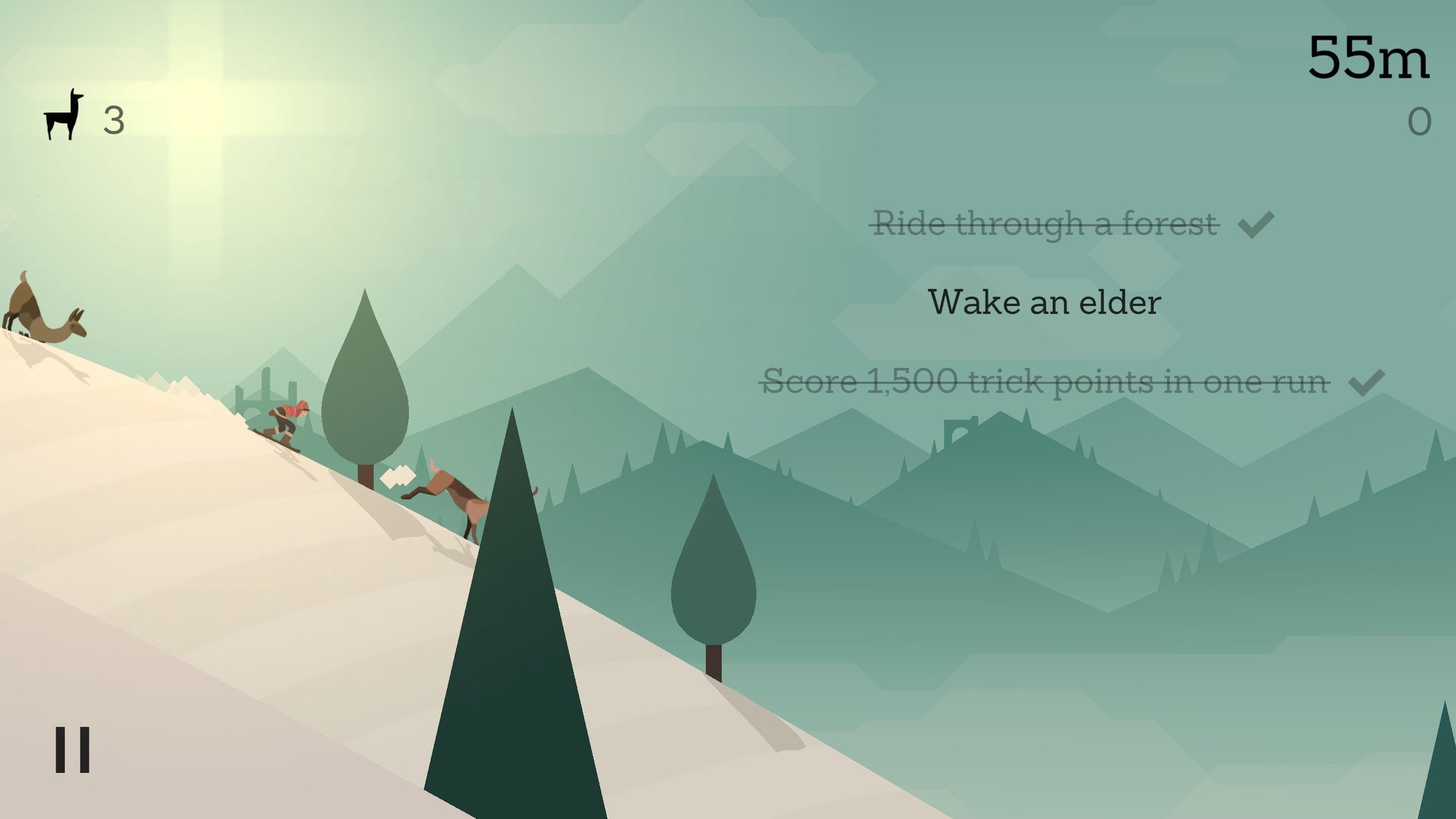
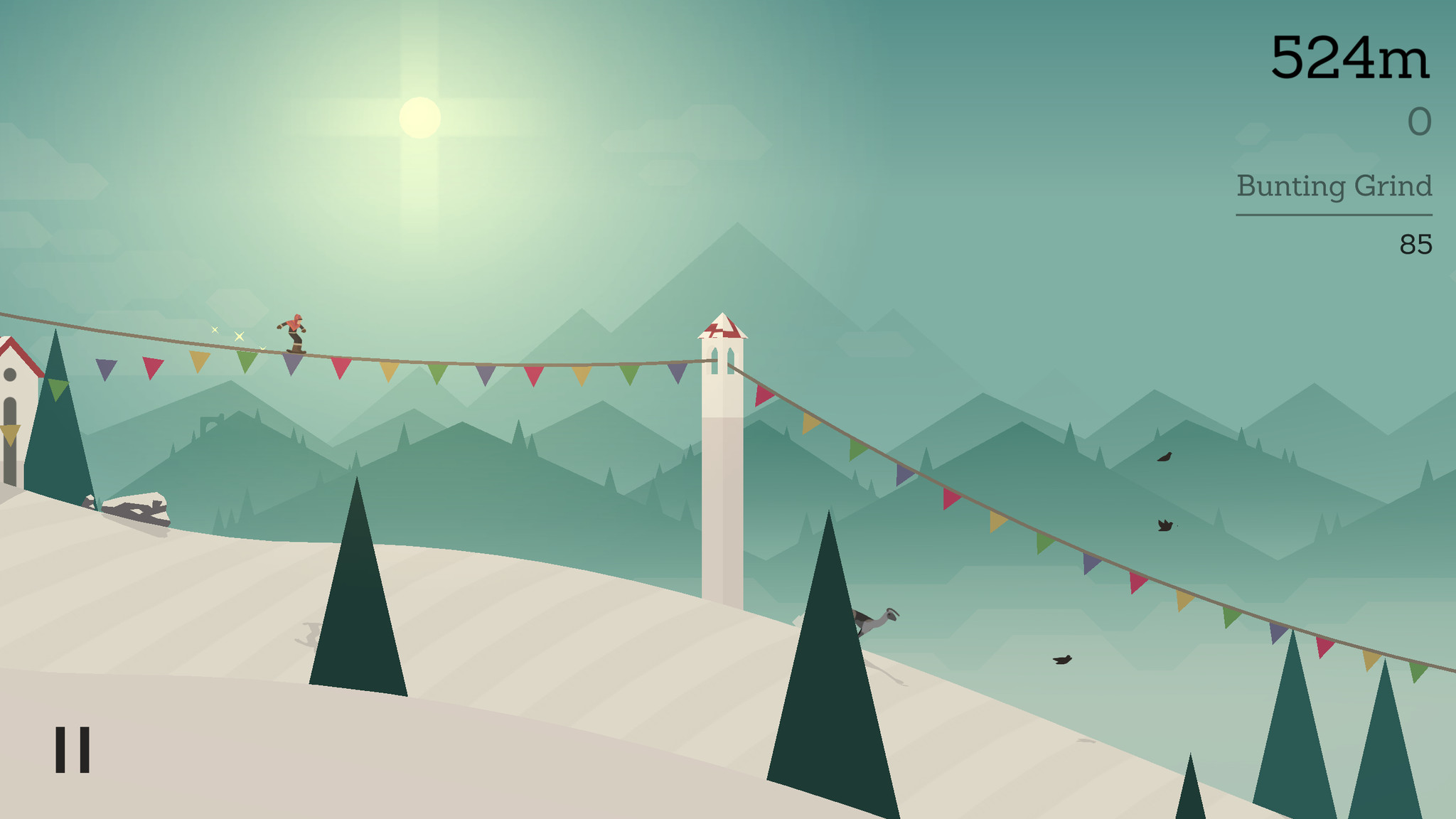
Alto's Adventure is a game you should have been playing yesterday. You play as Alto, a snowboarding llama farmer who must race down the mountain to collect runaways. This endless side scroller features smooth gameplay and simple controls: tap to jump, tap and hold to do a backflip. Landing tricks — backflips and grinds across buildings and bunting lines — gives you a speed boost to help blast past obstacles. Collect coins and spend them on upgrading power ups that will assist you on your next adventure. But as soon as you get the hang of things, you'll blow past an elder — a shadowy figure on a horse that will try and chase you down (think the Snow Monster from Ski Free… except you can actually outrun the elder).
Alto's Adventure includes objectives, which are challenging but fun and greatly enhance the replayability. Overall, it's a fairly relaxing gaming experience, with tight physics and a great sense of speed.

Nonstop Knight

Nonstop KnightNonstop KnightNonstop Knight
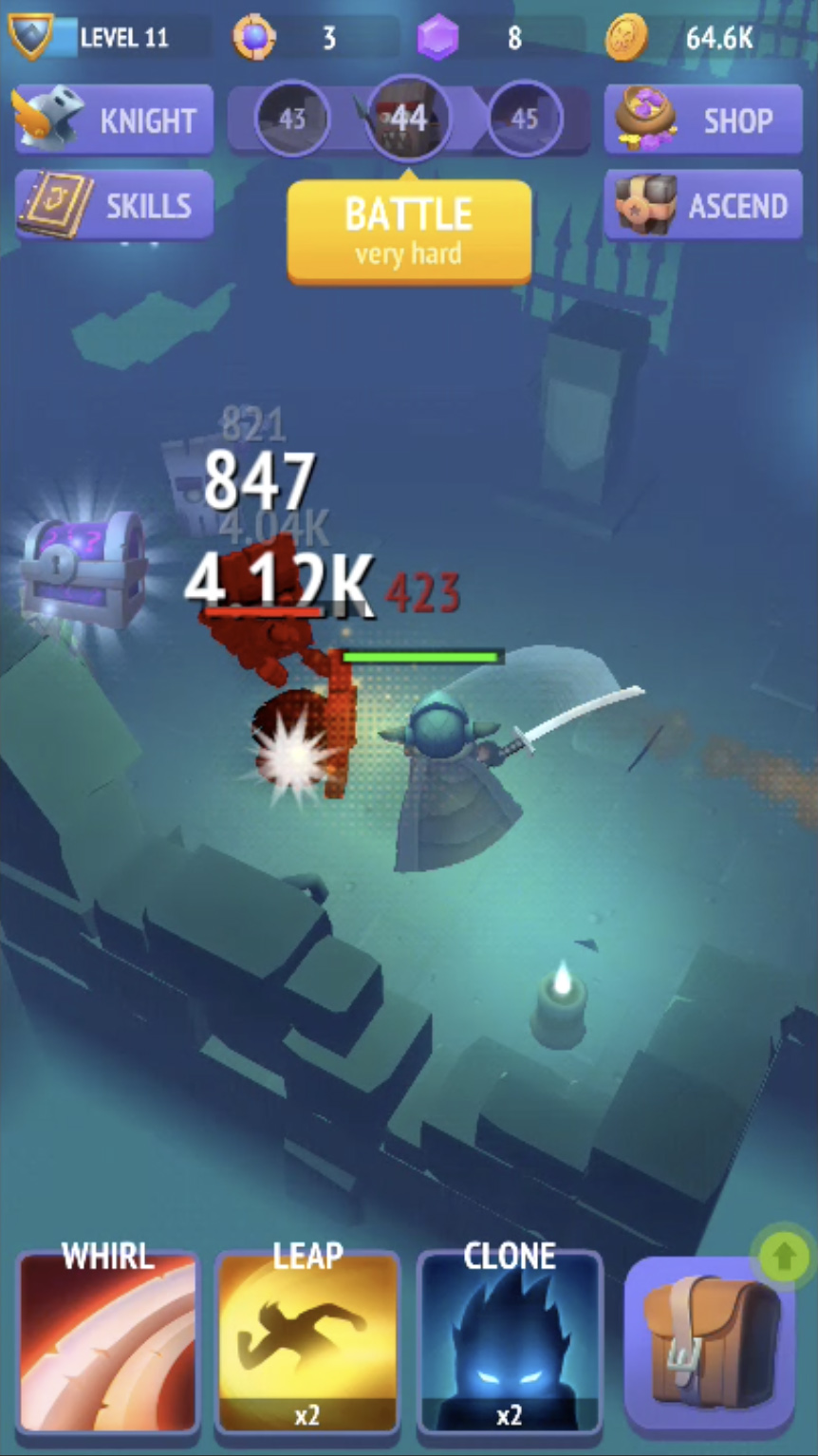
Some games claim to provide "nonstop action", but perhaps no game delivers better than Nonstop Knight. It's a streamlined action RPG wherein you play a brave little knight who lives to fight.
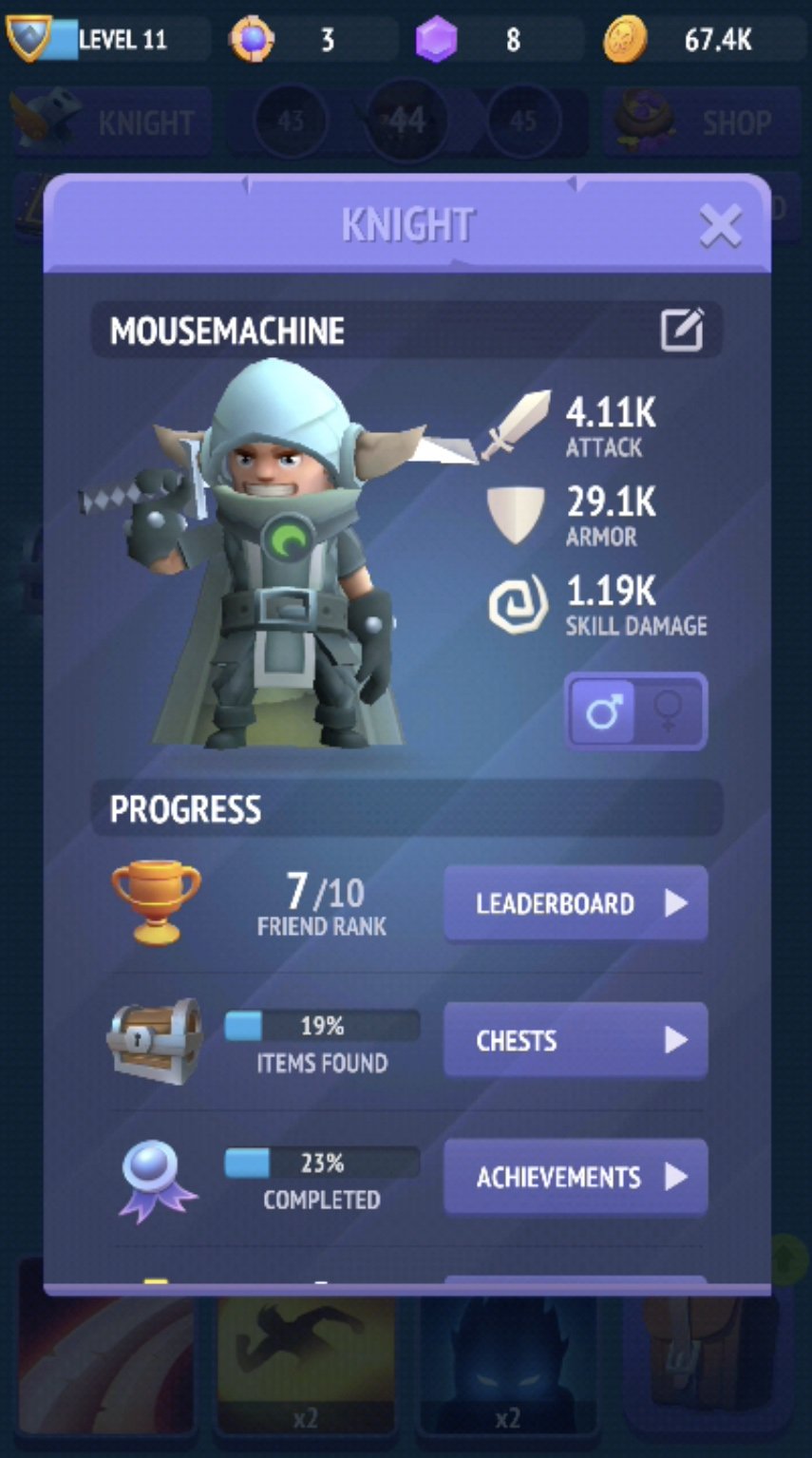
It would be unfair to directly compare Nonstop Knight to a game like Diablo, but it certainly feels like a casual, stripped-down version of the iconic RPG series. As you progress through the levels, you collect coins, gems and tokens which are all used to upgrade your item inventory, skills, and stats.
But instead of having to explore the dungeons yourself, your knight races around seeking the next wave of enemies (even when you aren't playing the game). You help him on his mission by strategically tap your skill icons during battles to destroy your enemies faster and get more coins. While overly simplistic at first, as you start unlocking different upgrades and progressing, it quickly becomes addictive to see how far you can go.
Once you seem to have hit a wall at a boss that's simply too strong, you can choose to Ascend, which resets your knight and all the weapons and armor you've collected, but also allows you to perform permanent upgrades to your knights base stats. The question then becomes, Is it time to ascend, or can you will your way passed this boss with the right combo of special attacks?

Clash Royale

Clash RoyaleClash RoyaleClash Royale
From the makers of Clash of Clans comes Clash Royale. Battle human opponents in real time via frantic card-based battles where you must take out the enemy's Crown Towers while defending your own.
As you'd expect, this game really relies on the social aspect of joining a clan, which helps you to upgrade both your King Level and your cards so you can dominate your opponents in the arena.
Clash Royale falls into the category of mobile games with time-delayed unlocking of chests and an emphasis on in-app purchases. Fortunately, there's no time restrictions for battling.
While spending exorbitant amounts of money on gems and chests is likely the only way to rise to the top of the global rankings (somebody worked it out that it would take something like seven years of constant playing to unlock and fully upgrade every card in the game), the gameplay is so well-designed and balanced that you can have hours of fun playing this in the lower level arenas just playing against similarly-skilled opponents.

Tuesday, 9 August 2016

Which is your favourite Gym Exercises

Best Exercises for Men


  • Dumbbell Incline Curl.
  • Neutral-Grip Dumbbell Bench Press.
  • Half-Kneeling Rotational Cable Chop.
  • Barbell Front Squat with Heels Elevated.
  • Half-Kneeling Single-Arm Bottom-Up Kettlebell Press.
  • Dumbbell Chest-Supported Row.
  • Dumbbell Floor Press.
  • Barbell Hip Thrust.
  • Barbell Straight-Leg Deadlift
  • Standing Dumbbell Single-Leg Calf Raise


Featured post

O mere dil ke chain (Kishor Kumar)

  Lyrics in English  O mere dil ke chain O mere dil ke chain Chain aae mere Dil ko duaa kijiye O mere dil ke chain Chain aae mere Dil ko dua...

Popular Posts